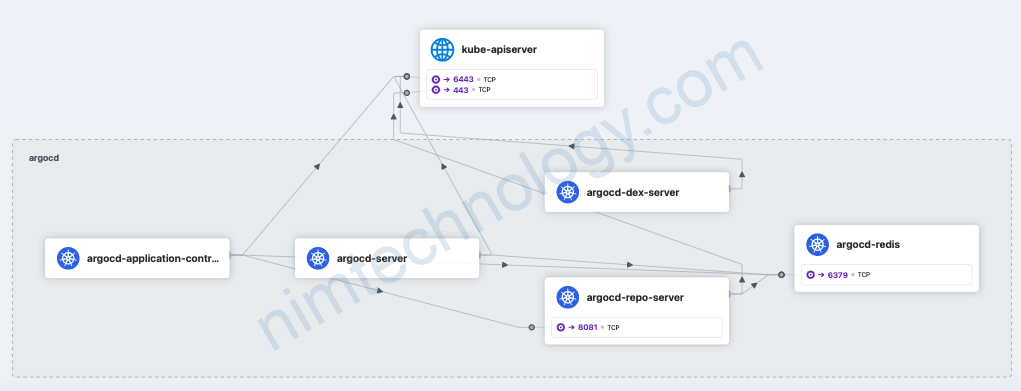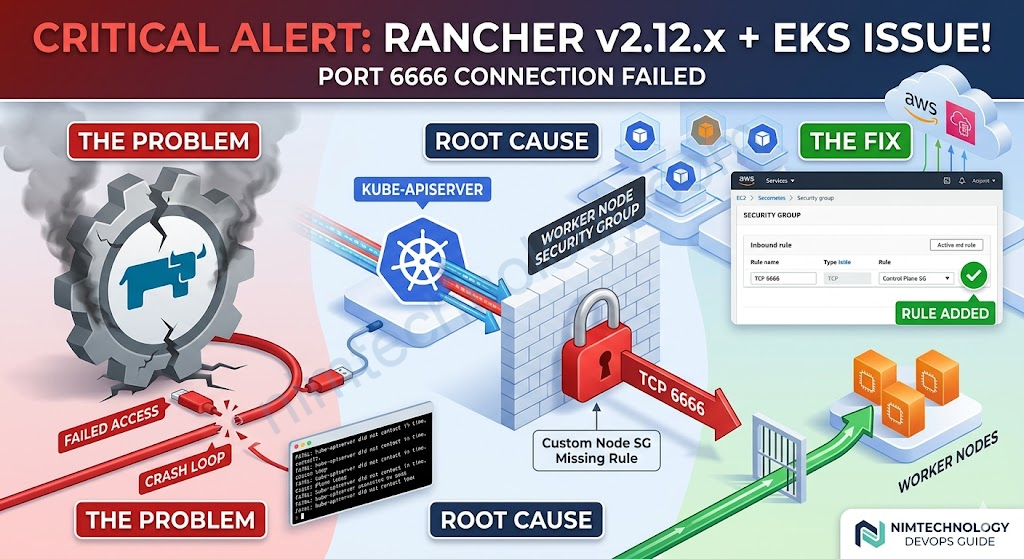
Rancher v2.12 giới thiệu một endpoint /ext mới được phục vụ thông qua một Extension API Server nội bộ, chỉ lắng nghe trên localhost:6666 trên cụm quản lý/cục bộ. Cổng này được chọn để phù hợp với Imperative API RFC được định nghĩa bởi nhóm kỹ thuật Rancher. Nó được đăng ký trong Kubernetes như một dịch vụ API được tổng hợp (v1.ext.cattle.io) thông qua Lớp Tổng hợp API Kubernetes tiêu chuẩn, có nghĩa là nó hoàn toàn có thể truy cập được thông qua kubectl.
Bạn sẽ gặp trướng hợp là Upgrade rancher lên v2.12.x trở lên sẽ và Rancher không work và bạn không còn truy cập vào rancher được nữa.
Root cause chain
- EKS security group missing port 6666 — The EKS control plane SG (sg-0d32d906a18ed9f0c) was allowed on ports
443, 4443, 6443, 8443, 9443, 10250, 10251 to the worker node SG (sg-03da3b5b8c78bffcf), but port 6666 was
missing. Rancher’s extension APIService (v1.ext.cattle.io) uses this port for the kube-apiserver to call back
to Rancher. The kube-apiserver could never successfully probe it → FailedDiscoveryCheck with exponential
backoff - Crash loop from backoff — When Rancher started, it waited up to ~5 minutes for kube-apiserver to call its
imperative API on port 6666. With a long backoff (>5 min), kube-apiserver never called during startup →
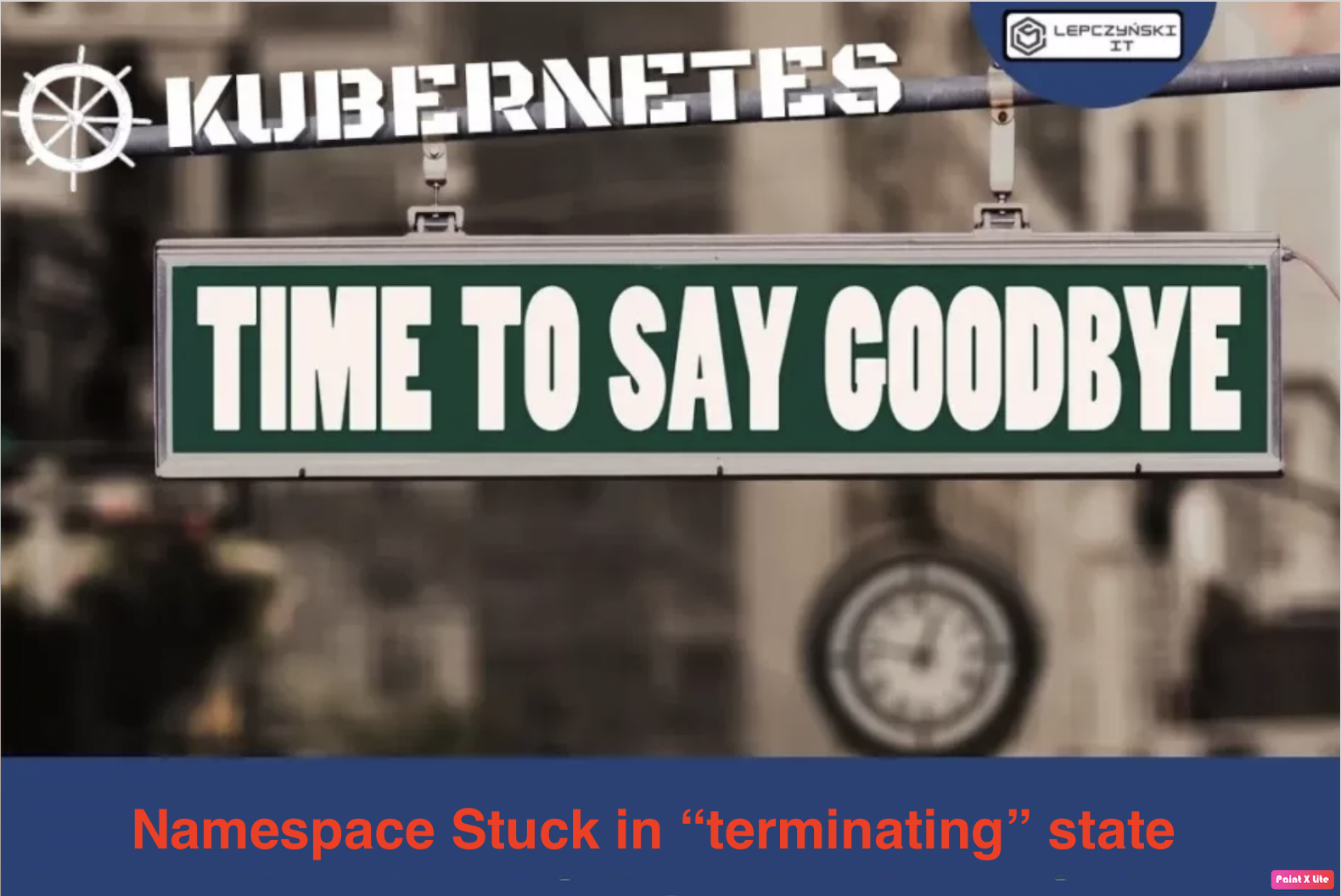
FATAL: kube-apiserver did not contact the rancher imperative api in time - Stuck namespace — cattle-provisioning-capi-system was stuck Terminating since April 13 because the GC
controller’s discovery of ext.cattle.io/v1 kept failing, generating hundreds of failing helm-operation pods
How to fix:
Lúc này anh em cần tìm đến Instance Security Group là SecGroup mà attached vào Auto Scaling Group hoặc Instance.

rồi bạn thêm inbound tcp 6666

EKS Console (Control Plane SGs)
  ├── Cluster security group:    sg-0cac9f294862929b4  ← applied to control plane ENIs
  └── Additional security groups: sg-0d32d906a18ed9f0c  ← also on control plane ENIs
  EC2 / Node Group level (Worker Node SGs)
  └── Instance security group:  sg-03da3b5b8c78bffcf  ← attached to the EC2 instances

  You can verify sg-03da3b5b8c78bffcf in the AWS console at:
  • EC2 → Instances → click any worker node → Security tab → you'll see it there
  • OR: EKS → Clusters → devsecops-mdaas → Compute → Node Groups → click the node group → Launch template → the
    SG is set in the launch template

  The reason we had to add port 6666 to the worker node SG is that sg-0d32d906a18ed9f0c (control plane) was
  already allowed inbound on specific ports (443, 4443, 6443, 8443, 9443, 10250, 10251) but NOT port 6666. The fix
   we applied added that missing rule:

  Node SG (sg-03da3b5b8c78bffcf)  ←  allow TCP 6666  ←  Control Plane SG (sg-0d32d906a18ed9f0c)

  If the Cluster security group (sg-0cac9f294862929b4) had been applied to the worker nodes as well, it would have
   allowed all traffic bidirectionally between control plane and nodes automatically — and this port 6666 issue
  would never have occurred. That's the standard EKS recommendation, but your cluster uses a custom node SG
  instead.