Authenticate Argo Workflow via Azure Cloud.
Thông tin cài đặt Argo Workflow thông qua helm chart:
apiVersion: kustomize.config.k8s.io/v1beta1
kind: Kustomization

helmCharts:
- name: argo-workflows
  includeCRDs: false
  releaseName: argoworkflow-nim-staging
  version: 0.45.18
  repo: https://argoproj.github.io/argo-helm
  valuesFile: values_helm.yaml
  namespace: argo-workflow
Và bạn cần add thêm vào value file:
server:
  authModes:
    - sso
  sso:
    enabled: true
    issuer: https://login.microsoftonline.com/b1351590-xxxx-xxxx-xxx-25e9a5c37e00/v2.0
    clientId:
      name: argo-server-sso
      key: oidc_client_id
    clientSecret:
      name: argo-server-sso
      key: oidc_client_secret
    redirectUrl: "https://workflow-staging.nimtechnology.com/oauth2/callback"
    scopes:
      - profile
      - email
    rbac:
      enabled: false
  logging:
    # -- Set the logging level (one of: `debug`, `info`, `warn`, `error`)
    level: info
    # -- Set the glog logging level
    globallevel: "0"
    # -- Set the logging format (one of: `text`, `json`)
    format: "text"
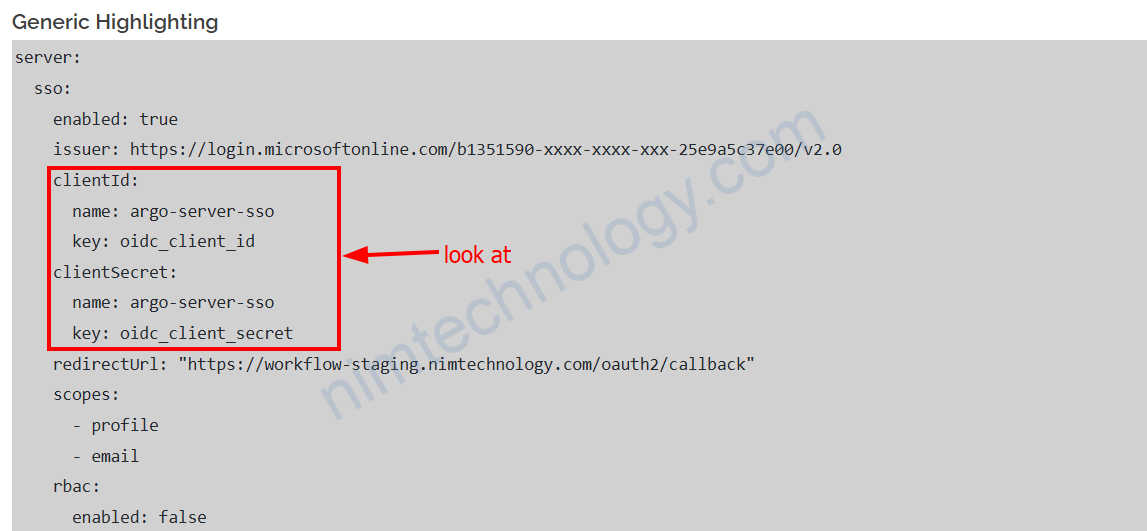
Để đảm bảo không để credential trên value của helm chart chúng ta sẽ tạo 1 Secret
Tiếp theo bạn tạo 1 secret
apiVersion: v1
data:
  oidc_client_id: Y2U4MWZkODctYTYzYy00xxxxxEyOTJmYjJhYTE1
  oidc_client_secret: Nm1sOFF+SWxWUldtalpaxxxxxZla3FjXzZWTGtKUmpJWWFUZQ==
kind: Secret
metadata:
  name: argo-server-sso
  namespace: argo-workflow
type: Opaque
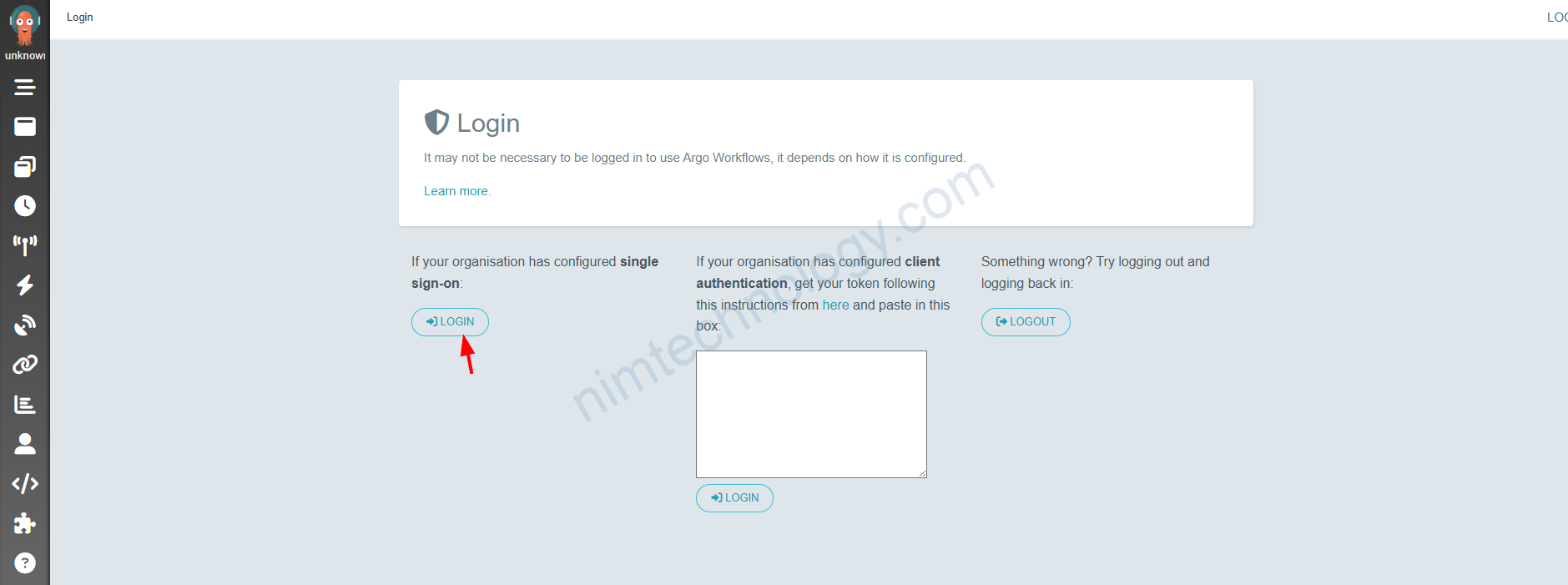
Sau khi login xong hết thì bạn thực hiện login và nhấn như ảnh bên dưới: