Skip to content

NimTechnology

Trình bày các công nghệ CLOUD một cách dễ hiểu.

  • Kubernetes & Container
    • Docker
    • Kubernetes
      • Gateway API
      • Ingress
      • Pod
    • Helm Chart
    • OAuth2 Proxy
    • Isito-EnvoyFilter
    • Apache Kafka
      • Kafka
      • Kafka Connect
      • Lenses
    • Vault
    • Longhorn – Storage
    • VictoriaMetrics
    • MetalLB
    • Kong Gateway
  • CI/CD
    • ArgoCD
    • ArgoWorkflows
    • Argo Events
    • Spinnaker
    • Jenkins
    • Harbor
    • TeamCity
    • Git
      • Bitbucket
  • Coding
    • DevSecOps
    • Terraform
      • GCP – Google Cloud
      • AWS – Amazon Web Service
      • Azure Cloud
    • Golang
    • Laravel
    • Python
    • Jquery & JavaScript
    • Selenium
  • Log, Monitor & Tracing
    • DataDog
    • Prometheus
    • Grafana
    • ELK
      • Kibana
      • Logstash
  • BareMetal
    • NextCloud
  • Toggle search form

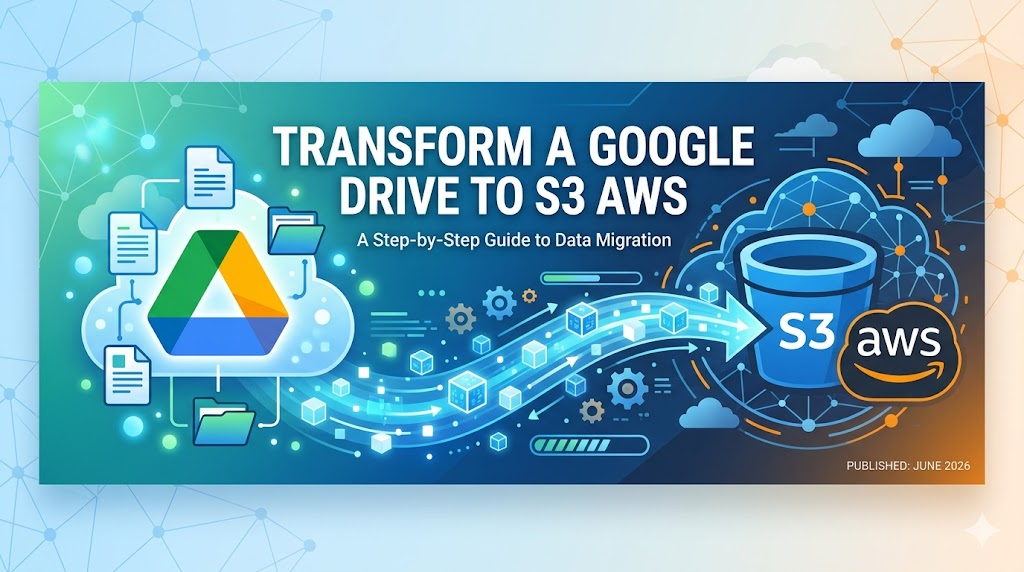
Transform a Google Drive to S3 AWS

Posted on June 12, 2026June 12, 2026 By nim No Comments on Transform a Google Drive to S3 AWS

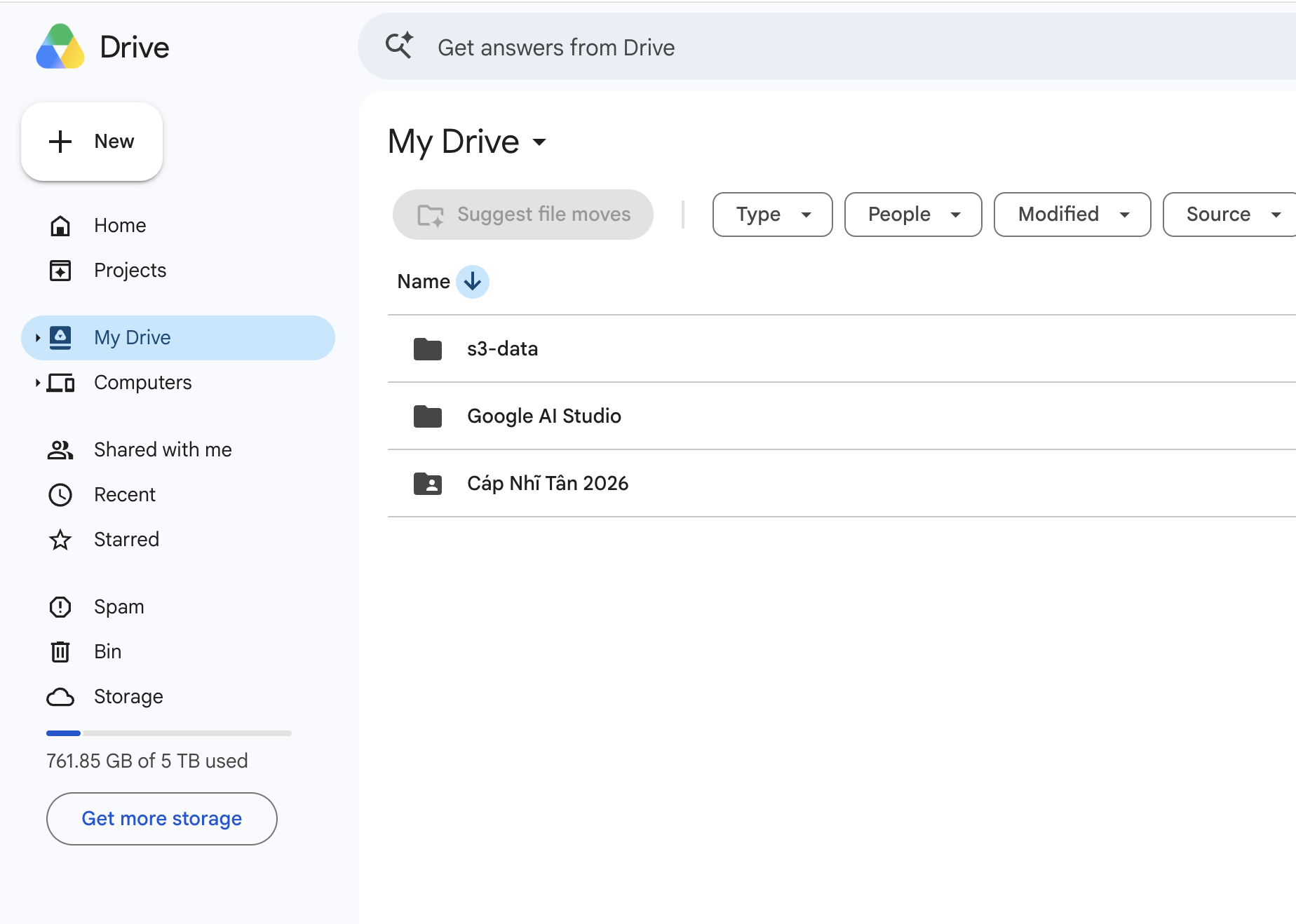
Hiện thị Google Drive khá là thơm
Connect Rclone with Google

Bước này thì bạn cần làm trên máy tính mà có thể mở terminal và browser:

mkdir -p /tmp/rclone-tmp && cd /tmp/rclone-tmp
curl -LO https://downloads.rclone.org/rclone-current-osx-arm64.zip
unzip rclone-current-osx-arm64.zip
cd rclone-v1.74.3-osx-arm64

Lúc này anh em đăng nhập rclone với google drive:

nim@192 rclone-v1.74.3-osx-arm64 % ./rclone authorize "drive"
2026/06/12 10:09:52 NOTICE: Config file "/Users/nim/.config/rclone/rclone.conf" not found - using defaults
2026/06/12 10:09:52 NOTICE: Make sure your Redirect URL is set to "http://127.0.0.1:53682/" in your custom config.
2026/06/12 10:09:52 NOTICE: If your browser doesn't open automatically go to the following link: http://127.0.0.1:53682/auth?state=bub5Mo7Z8f5JS5osagi6Mg
2026/06/12 10:09:52 NOTICE: Log in and authorize rclone for access
2026/06/12 10:09:52 NOTICE: Waiting for code...
2026/06/12 10:09:59 NOTICE: Got code
Paste the following into your remote machine --->
{"access_token":"ya29.a0AT3oNZ8kpxxxxxOlwTyHIdqX8KDjg4n7D6DF0vFDO-uCngSOYZZyOh0ikKH9a5S6cpwwxxxxxSzF-NrEpW5X6ARF56iDNvsDeyFf6bRS-ShsbT7rDpQAgnKM53WXPiVIYyciq_y66OZB8jtxxxxxWZ_9YK35iCa7EJwgOAtNDB8SZcaCgYKAcESARQSFQHGX2MiIy3QfCGwgSAVu58fY3cz1w0206","token_type":"Bearer","refresh_token":"1//0gqRzFL3TWj8LCgYIARAAGBASNwF-L9Irc7CGKL7EhV3WRRbFjDwffQRTJ4qxxxxxpbnIleP-XhFYie-FVK08-40ZaUL6c","expiry":"2026-06-12T11:09:59.243381+07:00","expires_in":3599}
<---End paste

Xong khi có token rồi thì

Cần lưu ý 1 síu:

Press Enter to leave empty.
 1 / Full access all files, excluding Application Data Folder.
   \ (drive)
 2 / Read-only access to file metadata and file contents.
   \ (drive.readonly)
   / Access to files created by rclone only.
 3 | These are visible in the drive website.
   | File authorization is revoked when the user deauthorizes the app.
   \ (drive.file)
   / Allows read and write access to the Application Data folder.
 4 | This is not visible in the drive website.
   \ (drive.appfolder)
   / Allows read-only access to file metadata but
 5 | does not allow any access to read or download file content.
   \ (drive.metadata.readonly)
scope> 
cái này nên chọn cái nào

Tùy mục đích, nhưng với use case của bạn (làm chỗ chứa backup/S3) thì mình khuyên chọn 3 (drive.file) hoặc 1 (drive):

Chọn 3 (drive.file) — khuyến nghị cho trường hợp của bạn:

  • rclone chỉ thấy và truy cập được những file do chính nó tạo ra, không đụng được vào file/ảnh/tài liệu sẵn có trong Drive của bạn
  • An toàn hơn hẳn: lỡ config sai, lộ token, hay chạy nhầm lệnh xóa thì cũng chỉ ảnh hưởng dữ liệu backup, không bay mất dữ liệu cá nhân
  • Vì bạn chỉ dùng Drive làm storage backend cho serve s3 / backup — toàn bộ file đều do rclone ghi vào — nên scope này là đủ

Chọn 1 (drive) khi:

  • Bạn muốn rclone đọc/quản lý được cả các file đã có sẵn trong Drive (ví dụ sync thư mục cũ về, dọn dẹp Drive, list toàn bộ nội dung)
  • Nhược điểm là token có full quyền trên toàn bộ Drive — rủi ro cao hơn nếu máy chạy rclone bị xâm nhập

ssh vào host và run docker compose.

mkdir rclone
cd rclone
mkdir -p ./config ./cache
nano ./config/rclone.conf

[gdrive]
type = drive
scope = drive.file
token = {"access_token":"ya29...","token_type":"Bearer","refresh_token":"1//...","expiry":"..."}
chmod 600 ./config/rclone.conf

Giờ tạo file docker-compose.yaml

docker-compose.yml

services:
  rclone-s3:
    image: rclone/rclone:latest
    container_name: rclone-s3
    restart: unless-stopped
    ports:
      - "8080:8080"
    volumes:
      - ./config:/config/rclone        # read-write để rclone tự refresh token
      - ./cache:/cache
    command: >
      serve s3 gdrive:s3-data
      --addr :8080
      --auth-key ${S3_ACCESS_KEY},${S3_SECRET_KEY}
      --vfs-cache-mode full
      --vfs-cache-max-size 5G
      --cache-dir /cache

Tiếp tục bạn cần tạo file .env


cat > ./config/.env <<EOF
S3_ACCESS_KEY=$(openssl rand -hex 16)
S3_SECRET_KEY=$(openssl rand -hex 32)
EOF
chmod 600 .env
cat .env   # xem lại để lưu dùng cho client

sau khi tạo xong .env thì chúng ta run lệnh Docker Compose up

docker compose up -d
docker compose logs -f
AWS - Amazon Web Service, Docker

Post navigation

Previous Post: [Rancher/EKS] Rancher from v2.12.x can not work on eks cluster.

More Related Articles

[S3] Try to compare S3 express One Zone with S3 standard. AWS - Amazon Web Service
How to aws cli authenticate with AWS AWS - Amazon Web Service
[Golang / EKS] Accessing AWS EKS with Go: A Comprehensive Guide to Interacting with Kubernetes APIs AWS - Amazon Web Service
Manage Kubernetes Secrets With External Secrets Operator AWS - Amazon Web Service
[AWS] If Ec2 connects to S3, Will it go through the internet or the internal network of AWS? AWS - Amazon Web Service
[ElastiCache] Provisioning Redis on AWS so quickly by terraform AWS - Amazon Web Service

Leave a Reply Cancel reply

Your email address will not be published. Required fields are marked *

Tham Gia Group DevOps nhé!
Để Nim có nhiều động lực ra nhiều bài viết.
Để nhận được những thông báo mới nhất.

Recent Posts

  • Transform a Google Drive to S3 AWS June 12, 2026
  • [Rancher/EKS] Rancher from v2.12.x can not work on eks cluster. April 15, 2026
  • [Telegram/Openclaw] Configure openclaw bot in a Telegram group. March 31, 2026
  • Tutorial: Gateway API + Traefik + oauth2-proxy (Microsoft Entra ID) March 30, 2026
  • Full + incremental backup: When restoring, do deleted files come back? March 27, 2026

Archives

  • June 2026
  • April 2026
  • March 2026
  • February 2026
  • January 2026
  • December 2025
  • November 2025
  • October 2025
  • September 2025
  • August 2025
  • July 2025
  • June 2025
  • May 2025
  • April 2025
  • March 2025
  • February 2025
  • January 2025
  • December 2024
  • November 2024
  • October 2024
  • September 2024
  • August 2024
  • July 2024
  • June 2024
  • May 2024
  • April 2024
  • March 2024
  • February 2024
  • January 2024
  • December 2023
  • November 2023
  • October 2023
  • September 2023
  • August 2023
  • July 2023
  • June 2023
  • May 2023
  • April 2023
  • March 2023
  • February 2023
  • January 2023
  • December 2022
  • November 2022
  • October 2022
  • September 2022
  • August 2022
  • July 2022
  • June 2022
  • May 2022
  • April 2022
  • March 2022
  • February 2022
  • January 2022
  • December 2021
  • November 2021
  • October 2021
  • September 2021
  • August 2021
  • July 2021
  • June 2021

Categories

  • AI
    • OpenClaw
  • BareMetal
    • NextCloud
  • CI/CD
    • Argo Events
    • ArgoCD
    • ArgoWorkflows
    • Git
      • Bitbucket
    • Harbor
    • Jenkins
    • Spinnaker
    • TeamCity
  • Coding
    • DevSecOps
    • Golang
    • Jquery & JavaScript
    • Laravel
    • NextJS 14 & ReactJS & Type Script
    • Python
    • Selenium
    • Terraform
      • AWS – Amazon Web Service
      • Azure Cloud
      • GCP – Google Cloud
  • Kubernetes & Container
    • Apache Kafka
      • Kafka
      • Kafka Connect
      • Lenses
    • Docker
    • Helm Chart
    • Isito-EnvoyFilter
    • Kong Gateway
    • Kubernetes
      • Gateway API
      • Ingress
      • Pod
    • Longhorn – Storage
    • MetalLB
    • OAuth2 Proxy
    • Vault
    • VictoriaMetrics
  • Log, Monitor & Tracing
    • DataDog
    • ELK
      • Kibana
      • Logstash
    • Fluent
    • Grafana
    • Prometheus
  • Uncategorized
  • Admin

Copyright © 2026 NimTechnology.